
Installation Flow
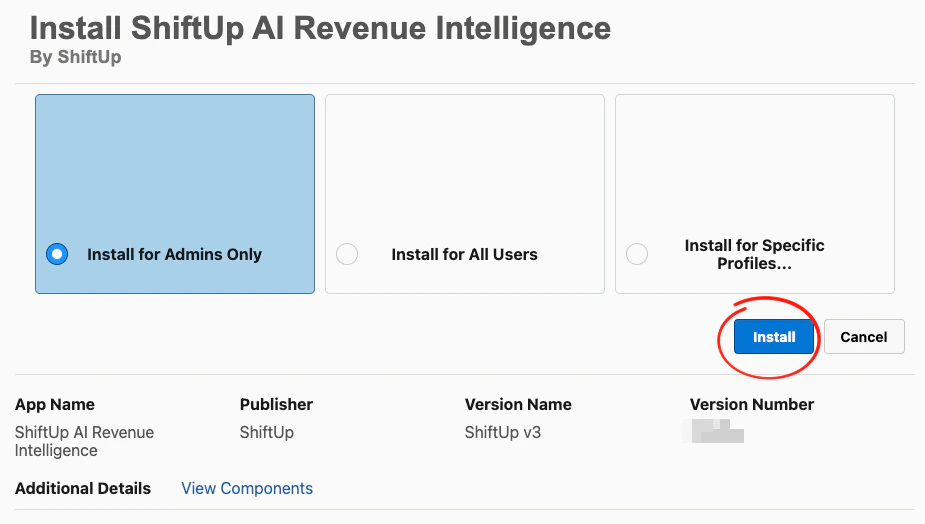
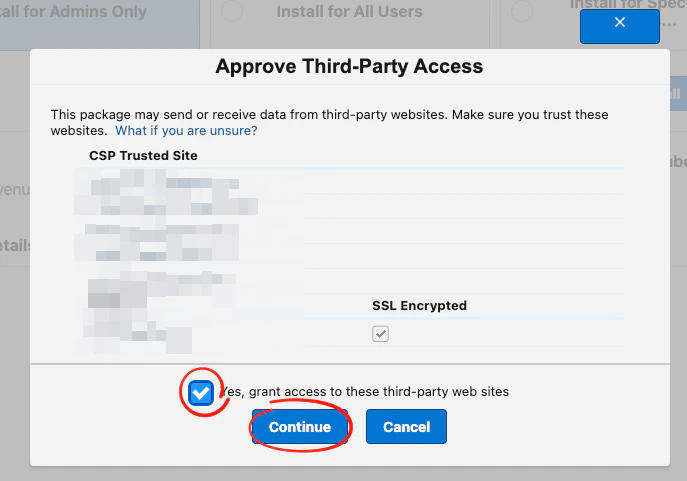
1- Log in to Salesforce as a system administrator. 2- Open the package installation link provided by ShiftUp and complete the Salesforce installation wizard. SelectInstall for Admins Only and Click Install
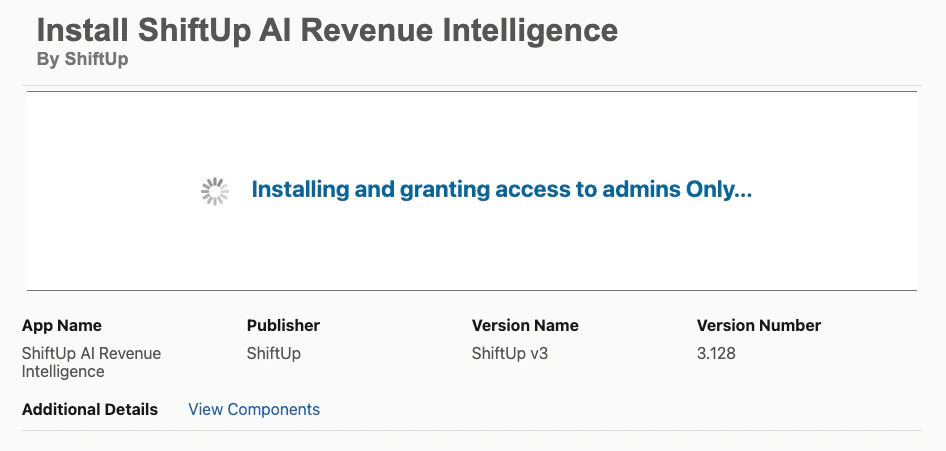
Setup > Apps > Packaging > Installed Packages
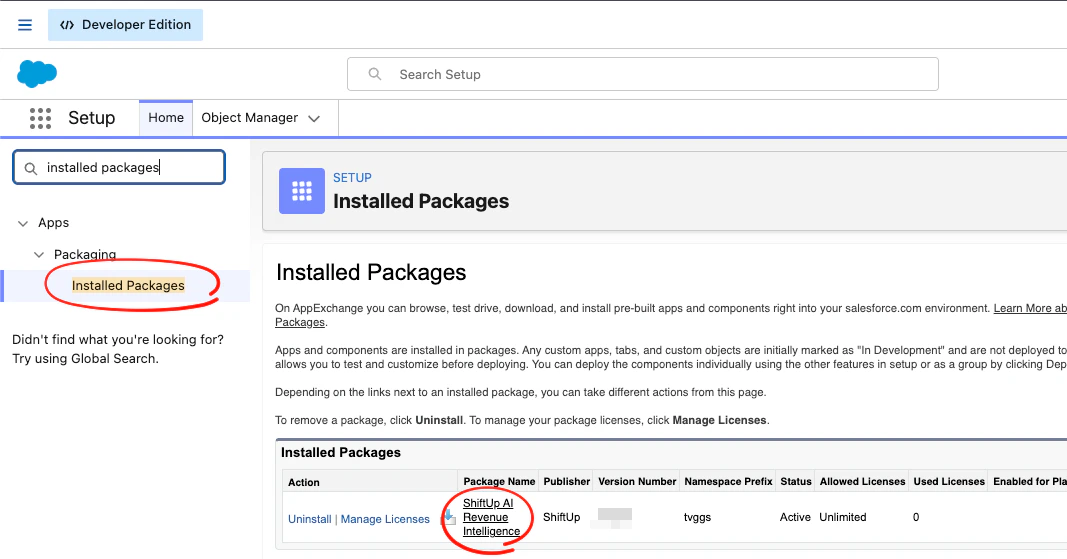
Validation
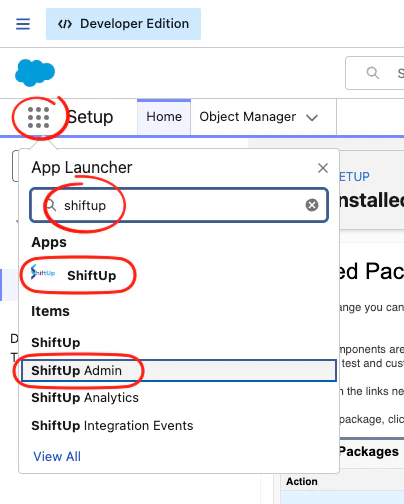
After installation completes:- Confirm the ShiftUp app appears in the App Launcher.