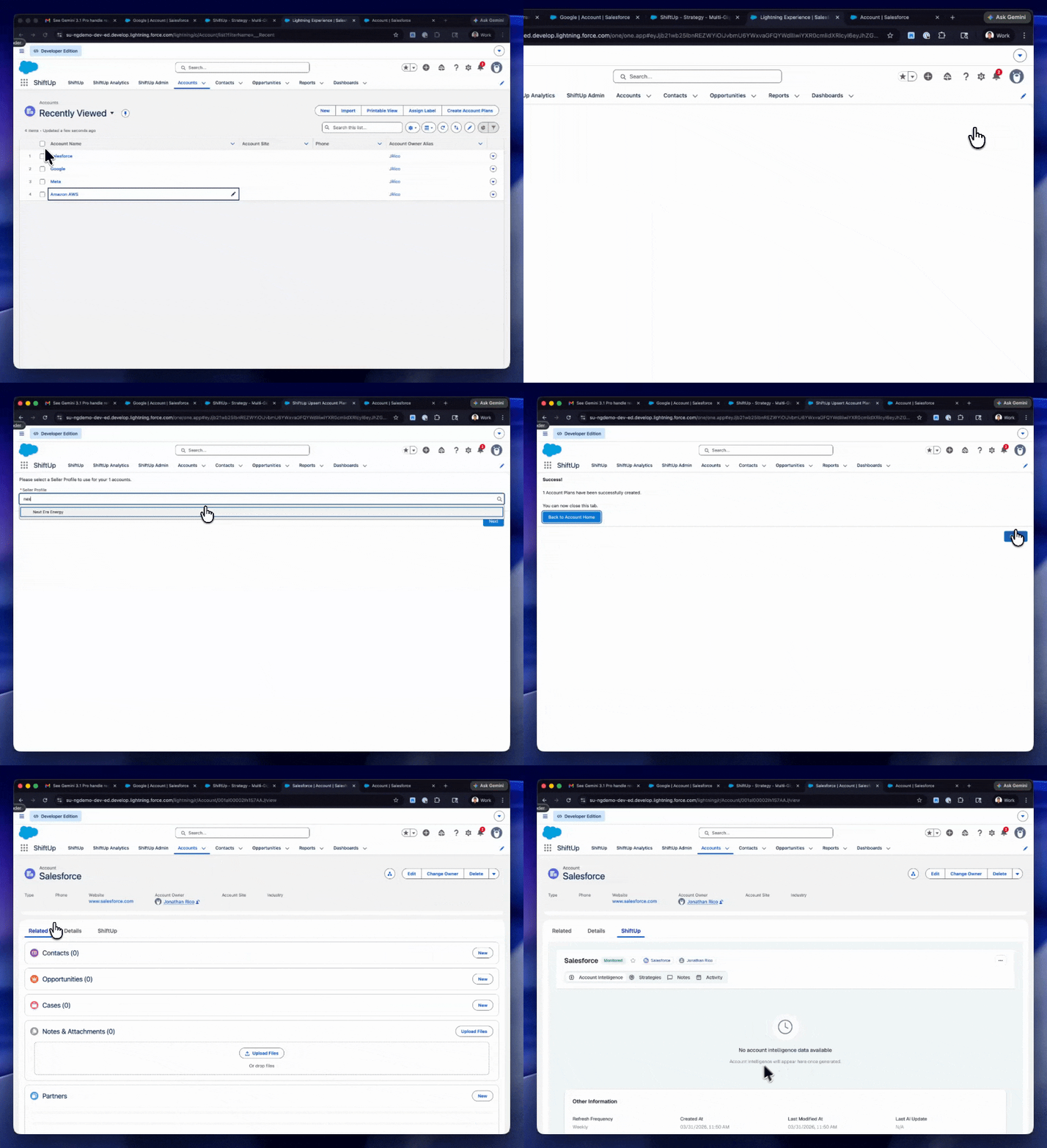

Update Account Record Page
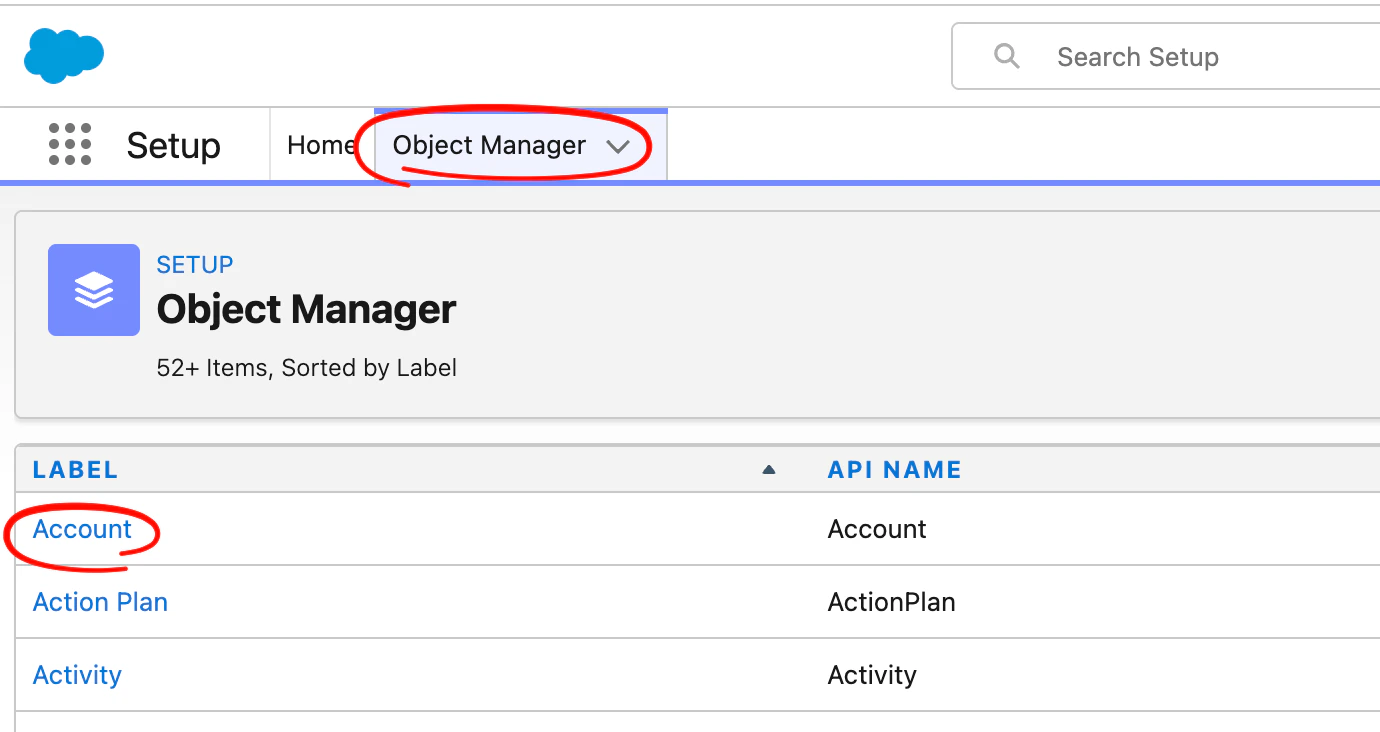
Go toSetup , then click on the Object Manager tab and click on the Account object.
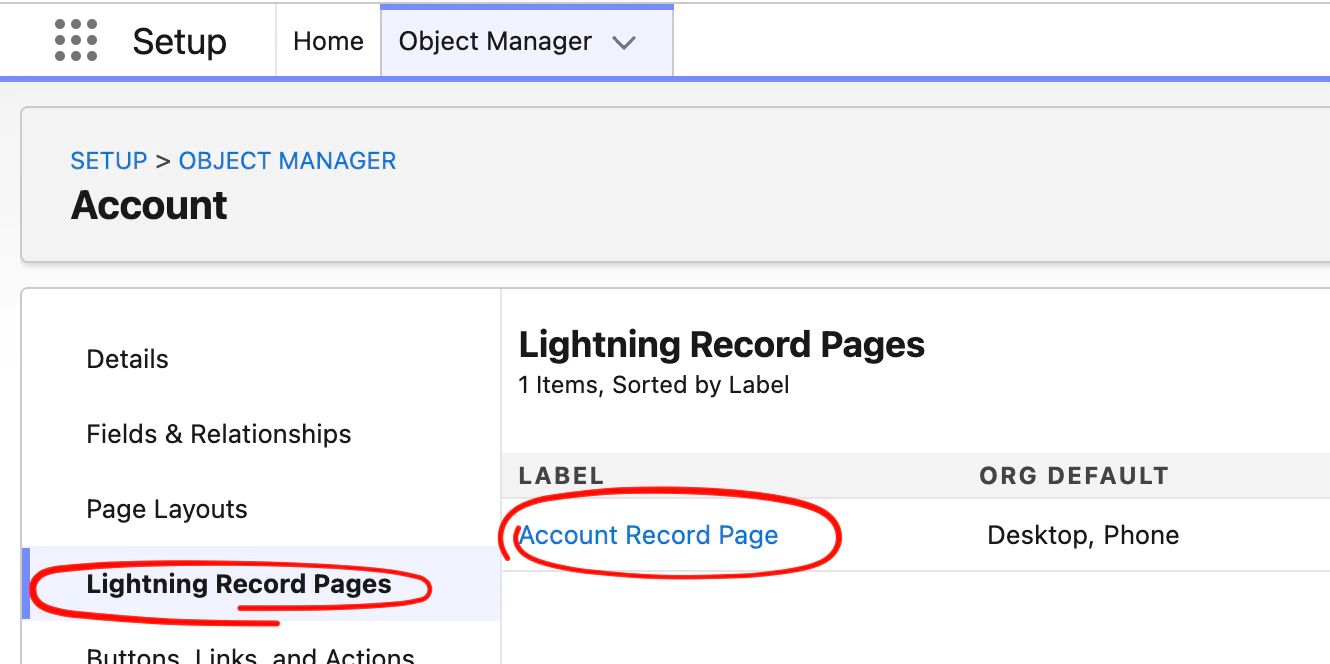
Edit button
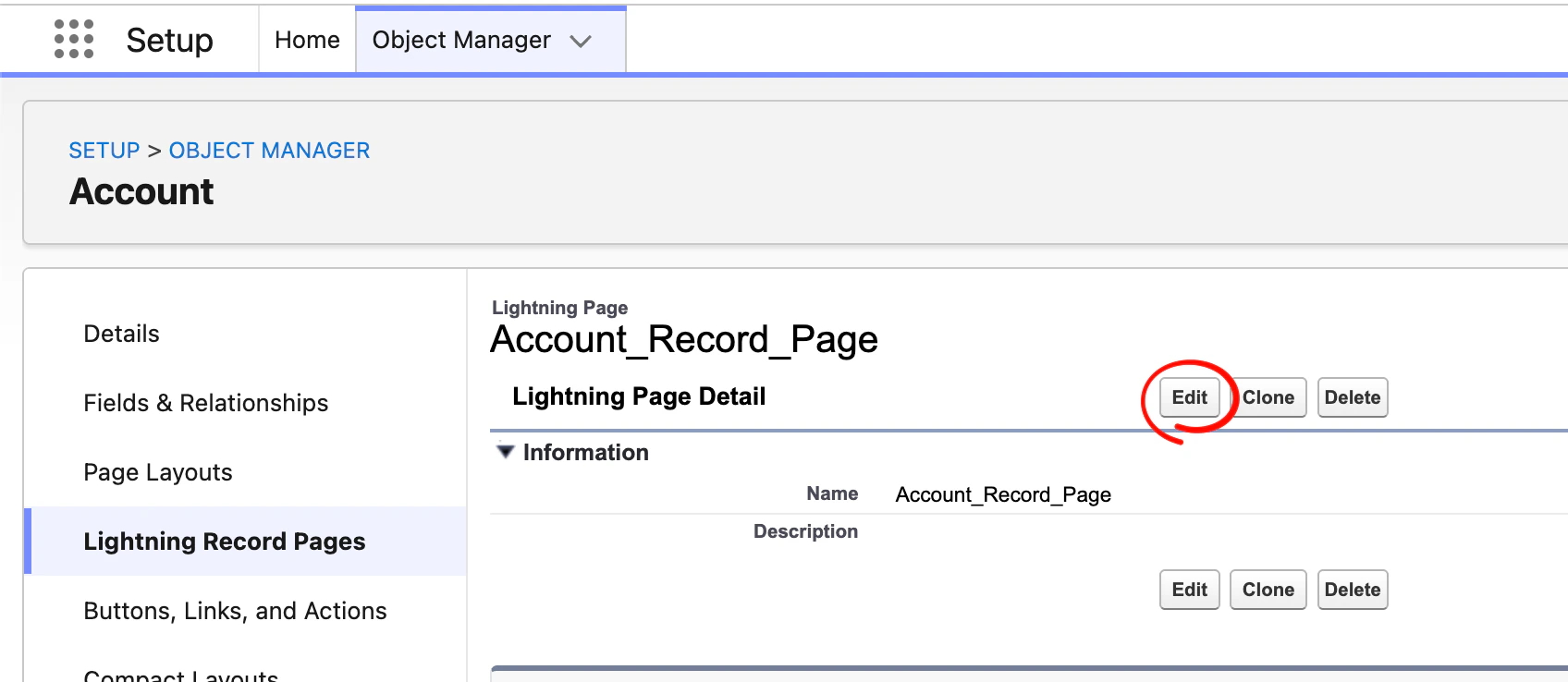
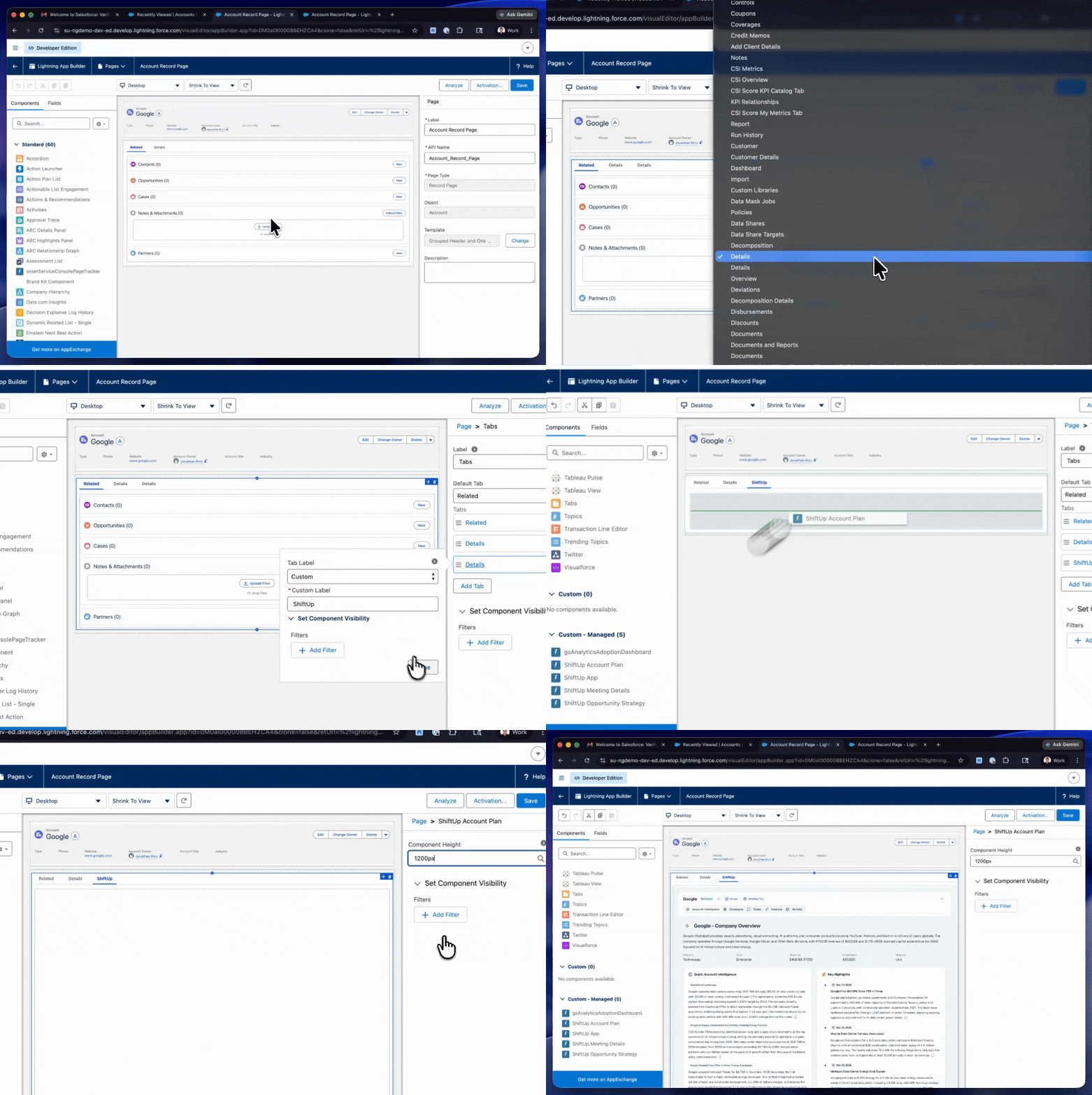
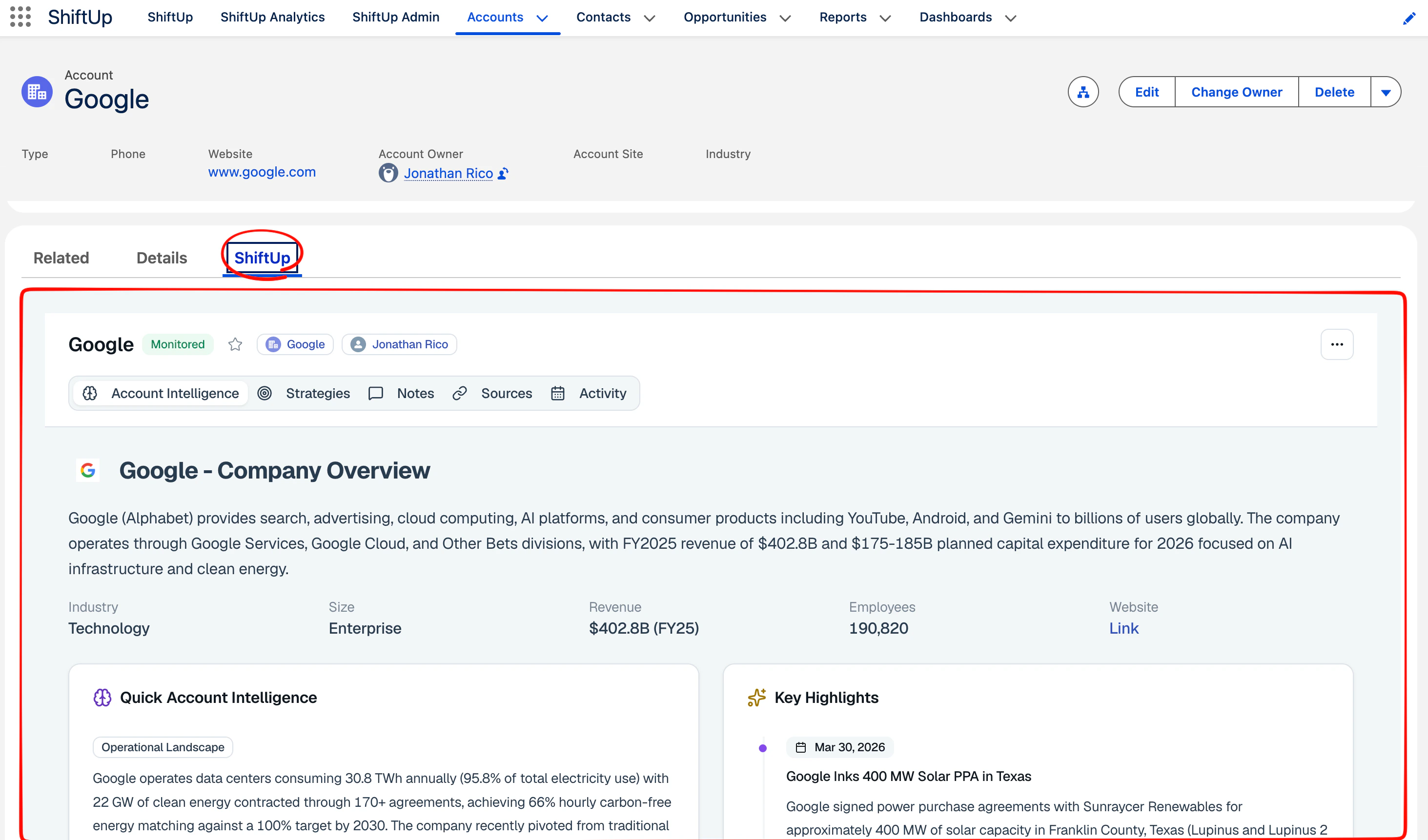
ShiftUp Account Plan component to this record page, you can decide where you want to add this but we recommend creating a new tab for ShiftUp and dropping the component here.
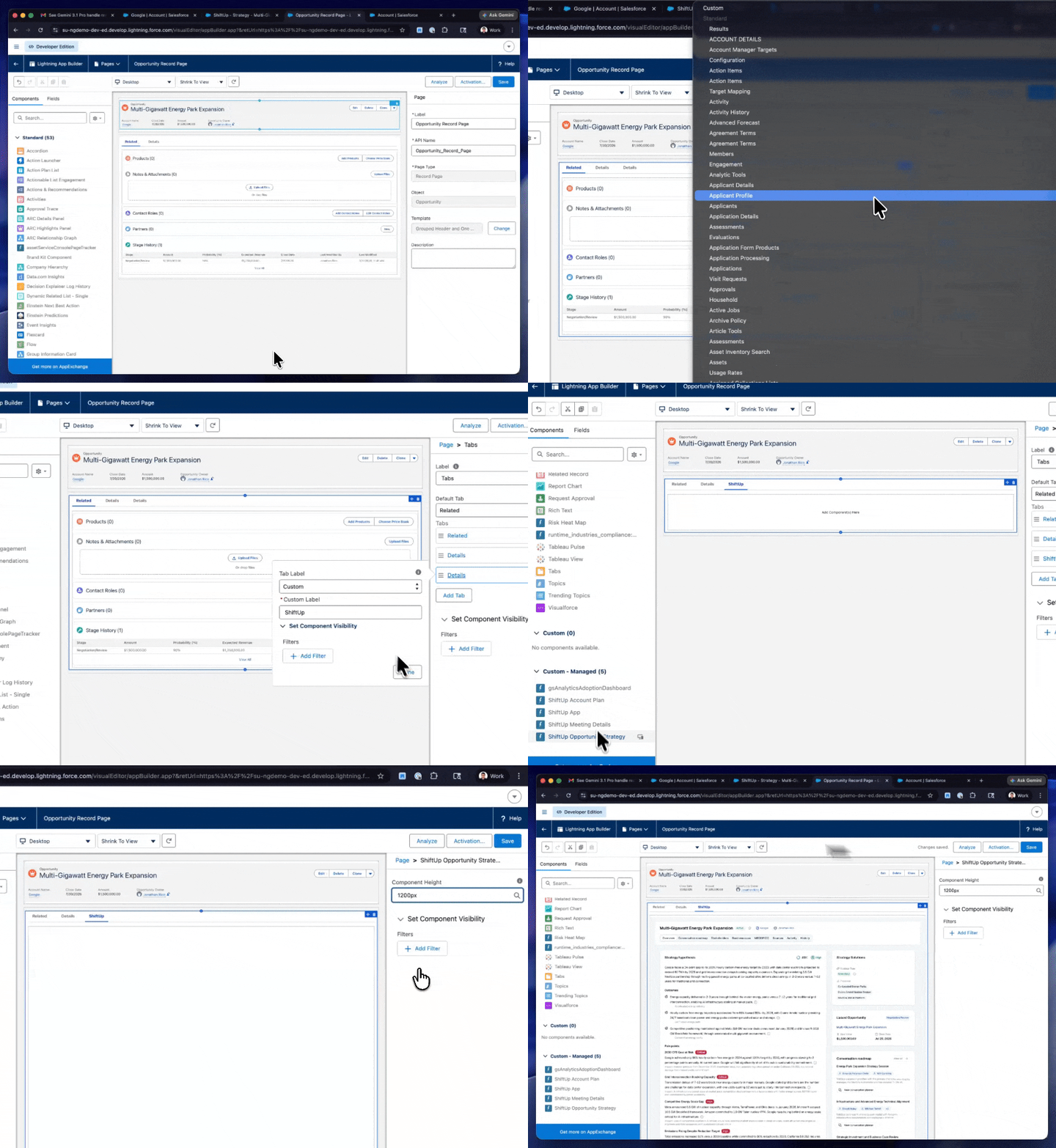
See sample steps below:
Update Opportunity Record Page
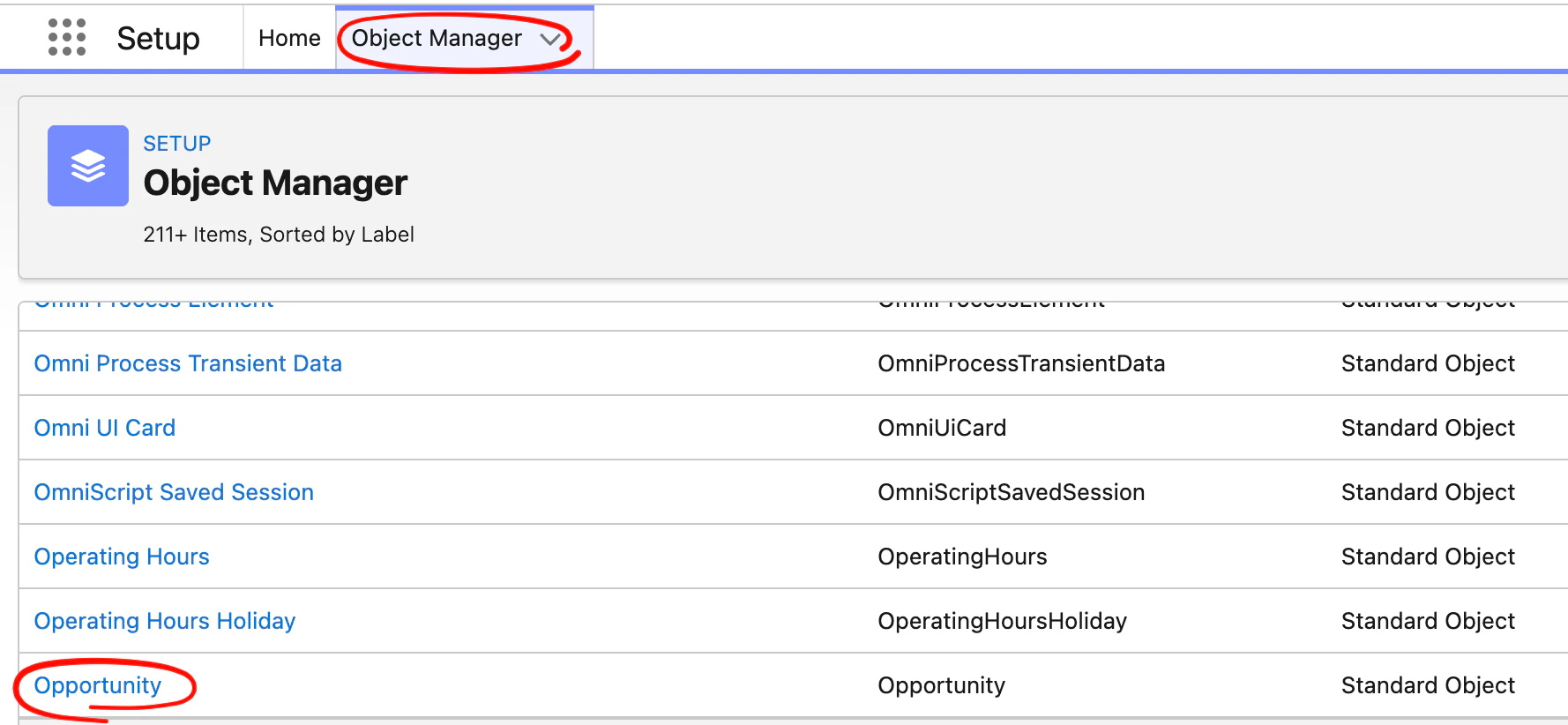
Go toSetup , then click on the Object Manager tab and click on the Opportunity object.
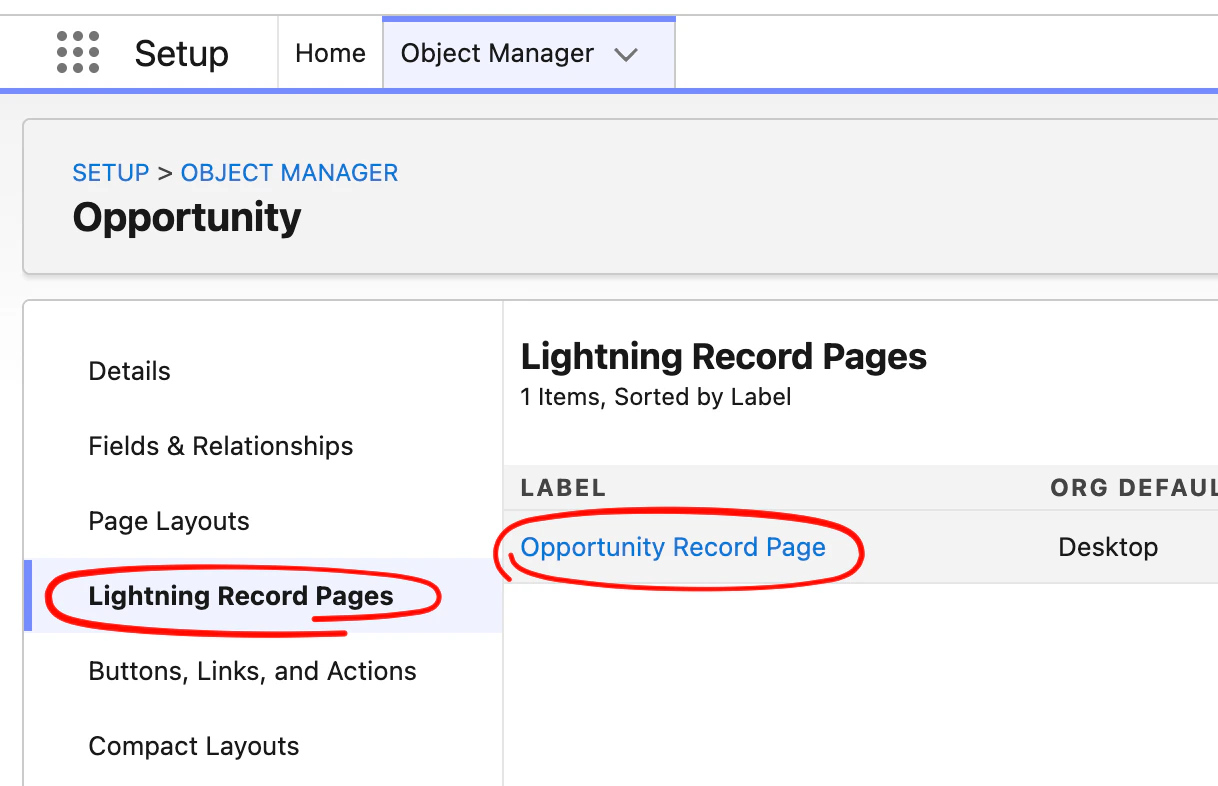
Edit button
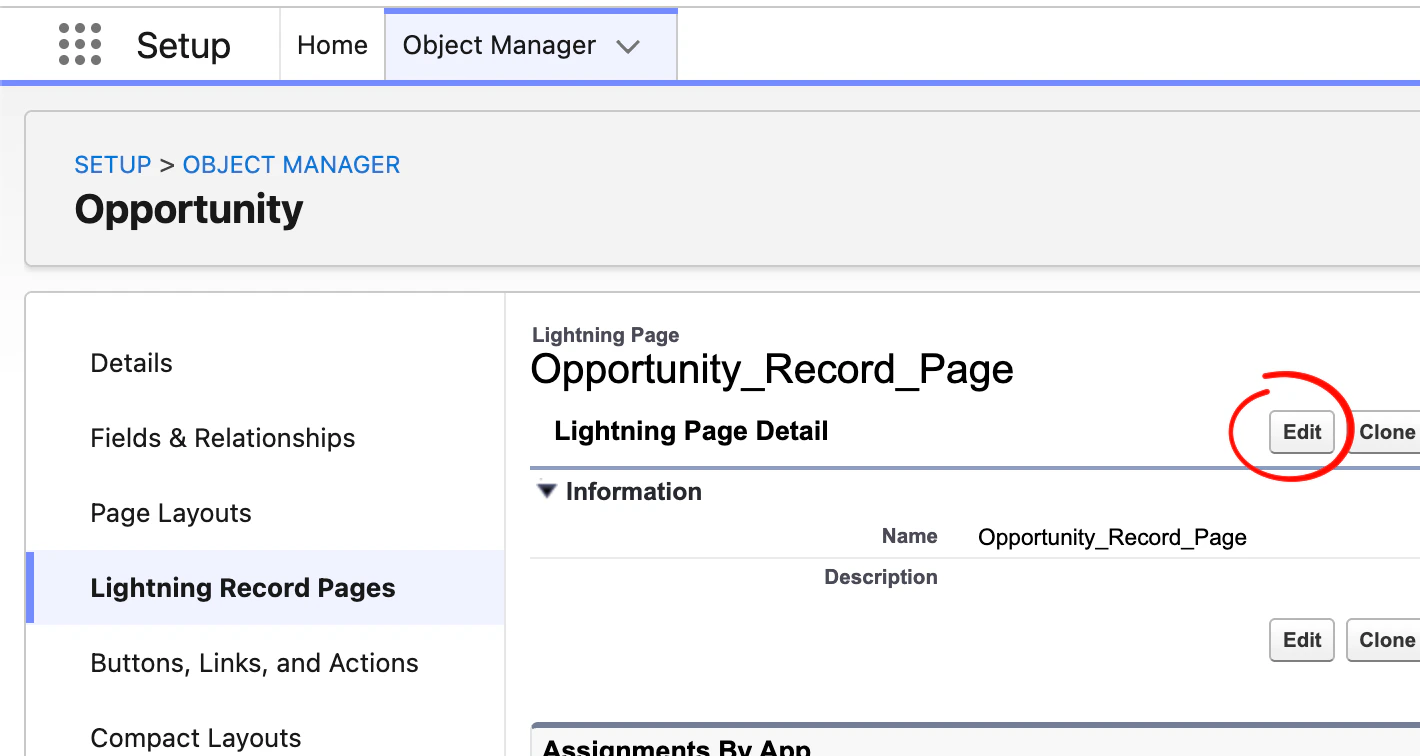
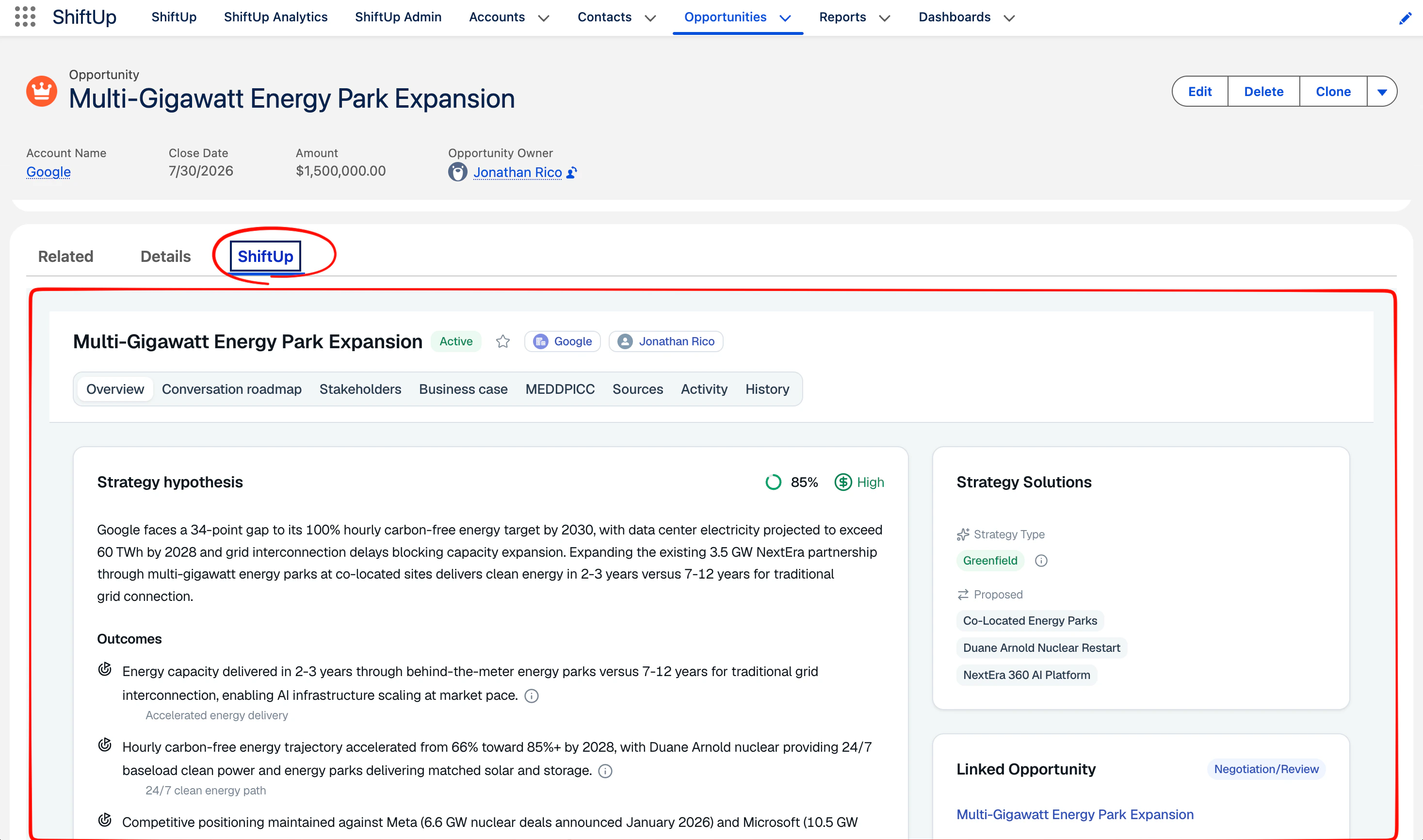
ShiftUp Opportunity Strategy component to this record page, you can decide where you want to add this but we recommend creating a new tab for ShiftUp and dropping the component here.
Enabling Account Plan creation from the Account list view
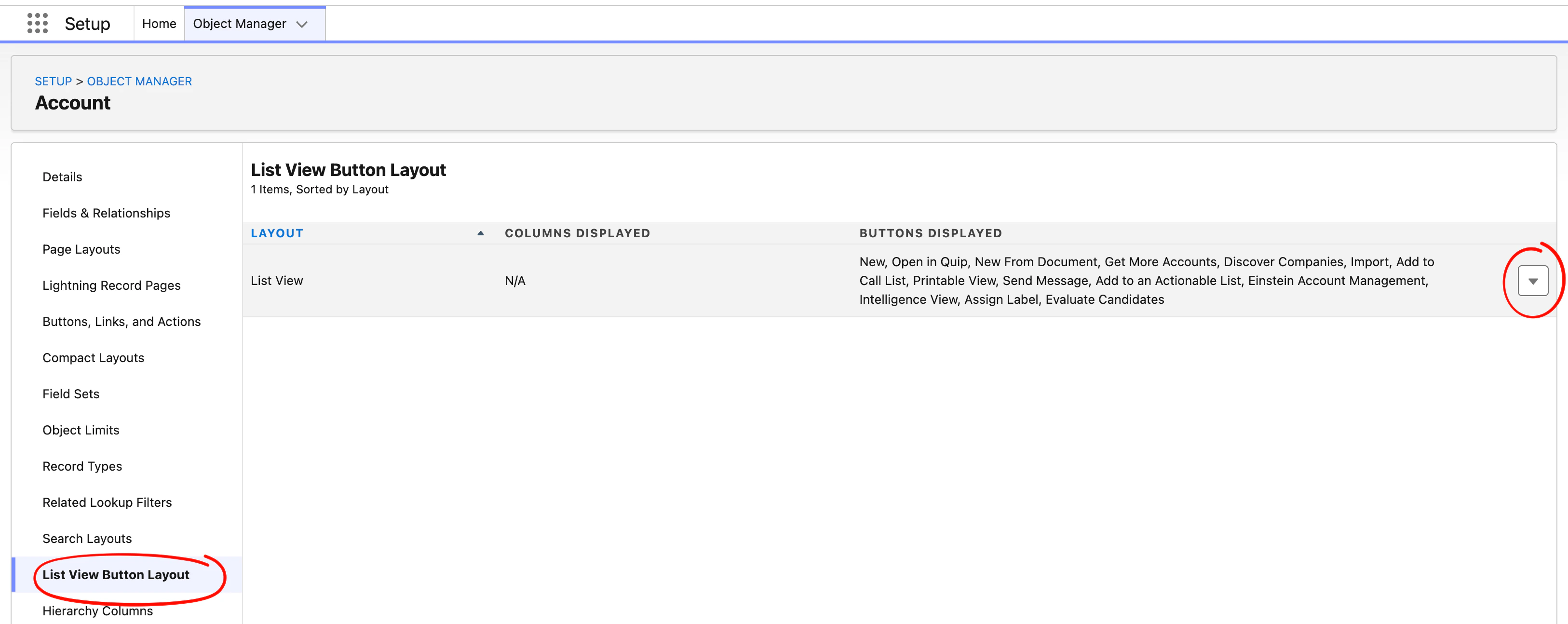
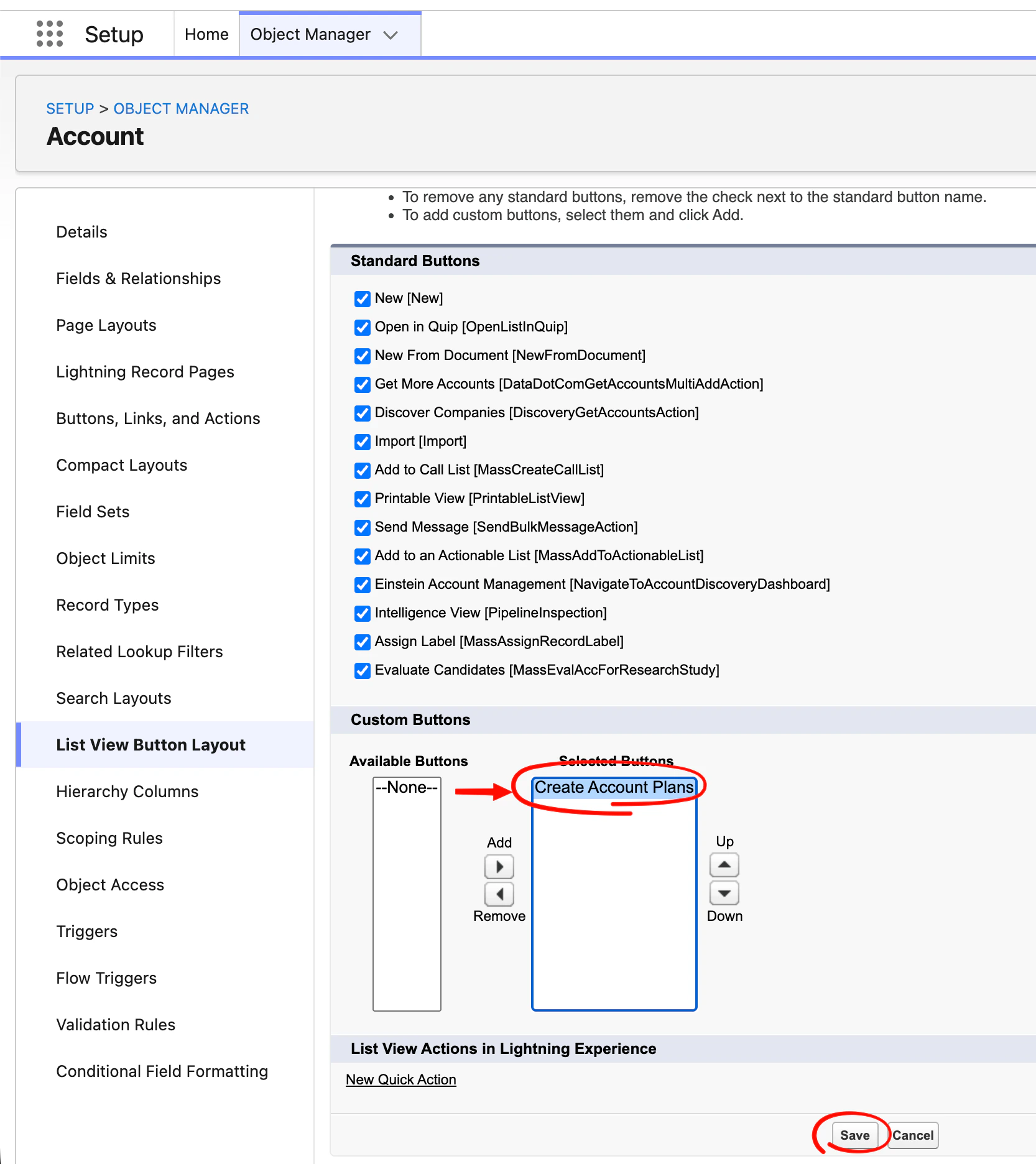
It is also possible to add create account plans directly from the Accounts list view instead of doing it through the Seller Profile screen inside of the ShiftUp app. To do this, we have to enable a new list view button in the Accounts object. Go toSetup , then click on the Object Manager tab and click on the Account object.
List View Button Layout section and click the dropdown button next to the list view row.
Create Account Plans button to the list of Selected Buttons and then click Save
Create Account Plans buttons in the list view.