> ## Documentation Index
> Fetch the complete documentation index at: https://docs.shiftupai.com/llms.txt
> Use this file to discover all available pages before exploring further.
# Disabling ShiftUp
Access to the Shift Up Salesforce App and Integration can be fully managed from your Salesforce organization.
To disable the Salesforce ShiftUp App, simply go to `ShiftUp Admin` > `Advanced` > `Enable/Disable ShiftUp` and disable the `Enable ShiftUp` toggle.
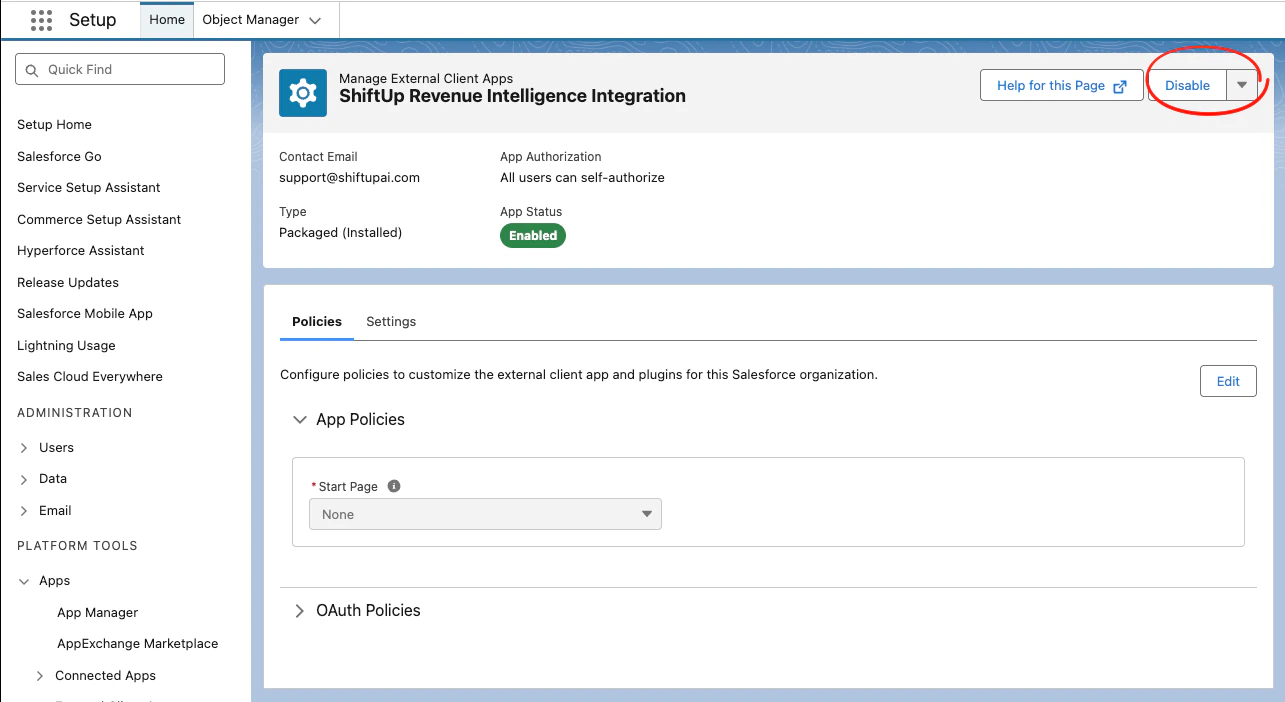
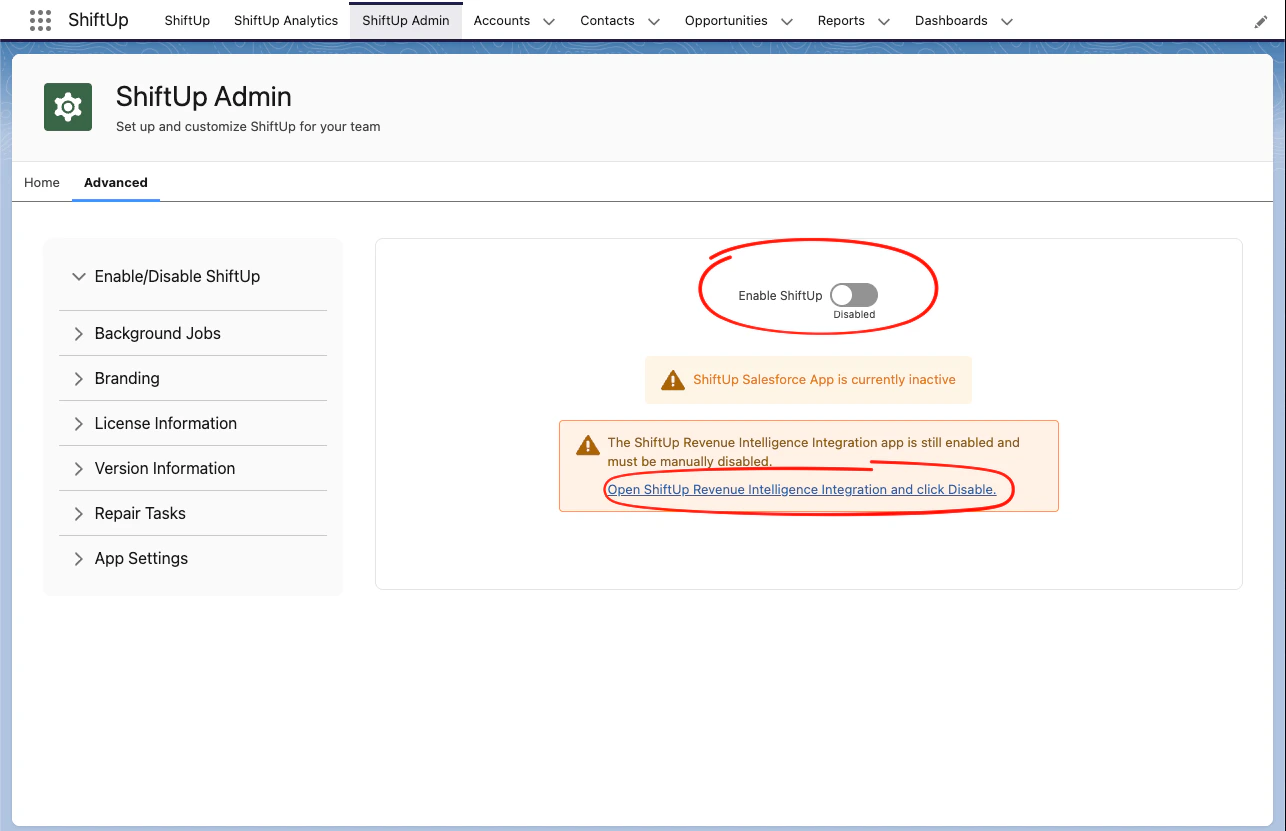 This will disable access to the ShiftUp user interface in Salesforce, however, the integration will still remain active. To disable the integration you must disable the `ShiftUp Revenue Intelligence Integration` external client app and clicking the `Disable` button.